
GT Pilot for Windows, test version
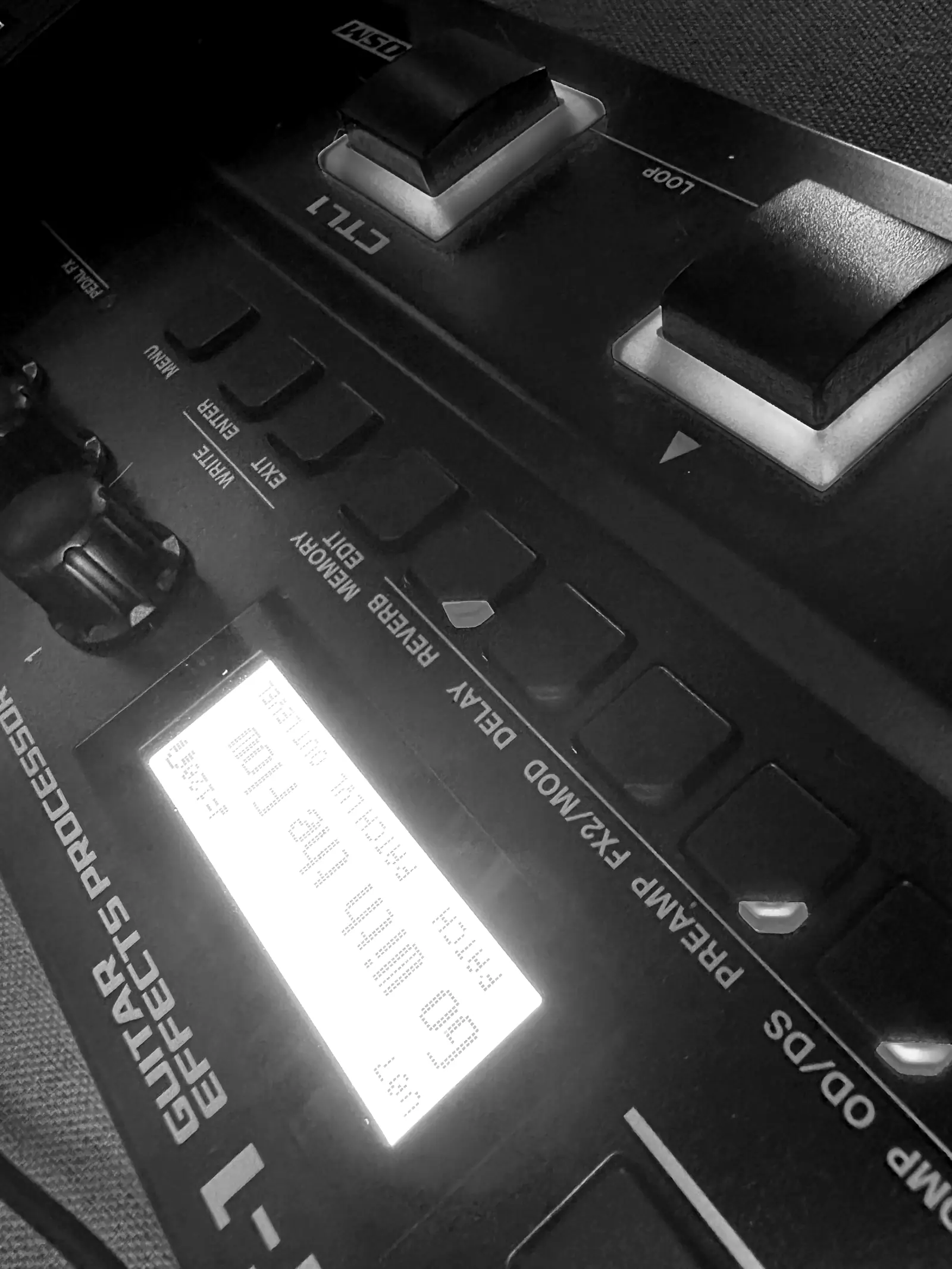
GT Pilot for Windows is still a test version and hasn't been tried on a real GT-1 on Windows yet. Here is what it does on your computer, how to install it and how to undo everything.

Who made it
Allan Kirsten, designer and product leader. I built GT Pilot for my own GT-1 on a Mac, and now I want it to work on your Windows PC. If anything goes wrong, you talk to me directly.
What it does on your computer
It does
- Talks to the GT-1 over USB and changes the loaded tone while you play.
- Before the first change, keeps a copy of all your patches on your computer. And before saving over a slot, keeps what was there.
- Listens to the pedal over USB only when you ask, to measure volume and noise. Nothing is kept.
- Once per session, checks a signed public file to see if there's a new version. You can turn it off.
It doesn't
- Send your tones or your audio anywhere.
- Install anything outside Claude Desktop or touch your Windows settings.
- Write to any slot without showing what's there and waiting for your yes.
- Change BOSS Tone Studio: it only reads the GT-1 parameter map from it.
Before you install
- BOSS GT-1 and a USB cable
- Windows 10 or 11
- 64-bit, with an Intel or AMD processor.
- GT-1 driver for Windows 10/11 ↗
- From the official BOSS site.
- BOSS Tone Studio for GT-1 for Windows ↗
- From the official BOSS site. It must be installed, and closed while you use GT Pilot.
- Claude Desktop ↗
- The Claude app for Windows.
How to install
- 1
Download the file
Click “Download the test version” at the top of this page. You get a file called gt-pilot.mcpb.
- 2
Open it in Claude Desktop
Double-click the file. Claude Desktop shows the name GT Pilot, the author Allan Kirsten and an option to check for updates. Confirm the install.
- 3
Connect the GT-1
USB cable plugged in and Tone Studio closed. On Windows, only one program at a time can use the pedal.
- 4
Allow the microphone
Settings > Privacy & security > Microphone > turn on access for desktop apps. That's how Claude receives the GT-1's USB audio.
To check the file is the one I published, run Get-FileHash .\gt-pilot.mcpb in PowerShell and compare it with: ea82e8f998751287f0c497244b952cf844f69e7fd764857b6f937ed609aec5c8
Test script
Go step by step: read-only first, then changes you can undo, and saving only at the end. It takes about 15 minutes.
- 1
“Check my GT-1”
It connects and, the first time, copies all your patches. Takes about a minute.
- 2
“What's in this patch?”
Read-only: it describes the loaded tone.
- 3
Ask for a tone, then “undo”
For example, “give me the Iron Man tone”. Play, listen and undo.
- 4
“Listen to this”
Play for about 10 seconds. It measures volume and noise.
- 5
Only if all went well: save to a slot you don't use
It shows what's in the slot and waits for your yes before writing.
If something goes wrong
Copy Claude's reply and email it to me, with a screenshot if you can. When it can't find the pedal, the message already lists what your computer sees, and that's what I need to fix it.
- Can't find the pedal: check the cable, that the GT-1 is on and that the driver is installed.
- Port busy: close Tone Studio and any other music software.
- Listening captures nothing: check microphone access for desktop apps.
How to undo everything
- In Claude Desktop: Settings > Extensions > GT Pilot > remove.
- Your backups are in the %APPDATA%\GT Pilot folder. Keep them or delete them, your call.
- Tones you saved stay on the pedal. Everything else was never changed.
Open source
All of GT Pilot's code is public, under the MIT license. Anyone can read what it does before installing it.
See the code on GitHub ↗ · Full user guide →
BOSS and GT-1 are trademarks of Roland Corporation. GT Pilot is an independent project, not affiliated with Roland.